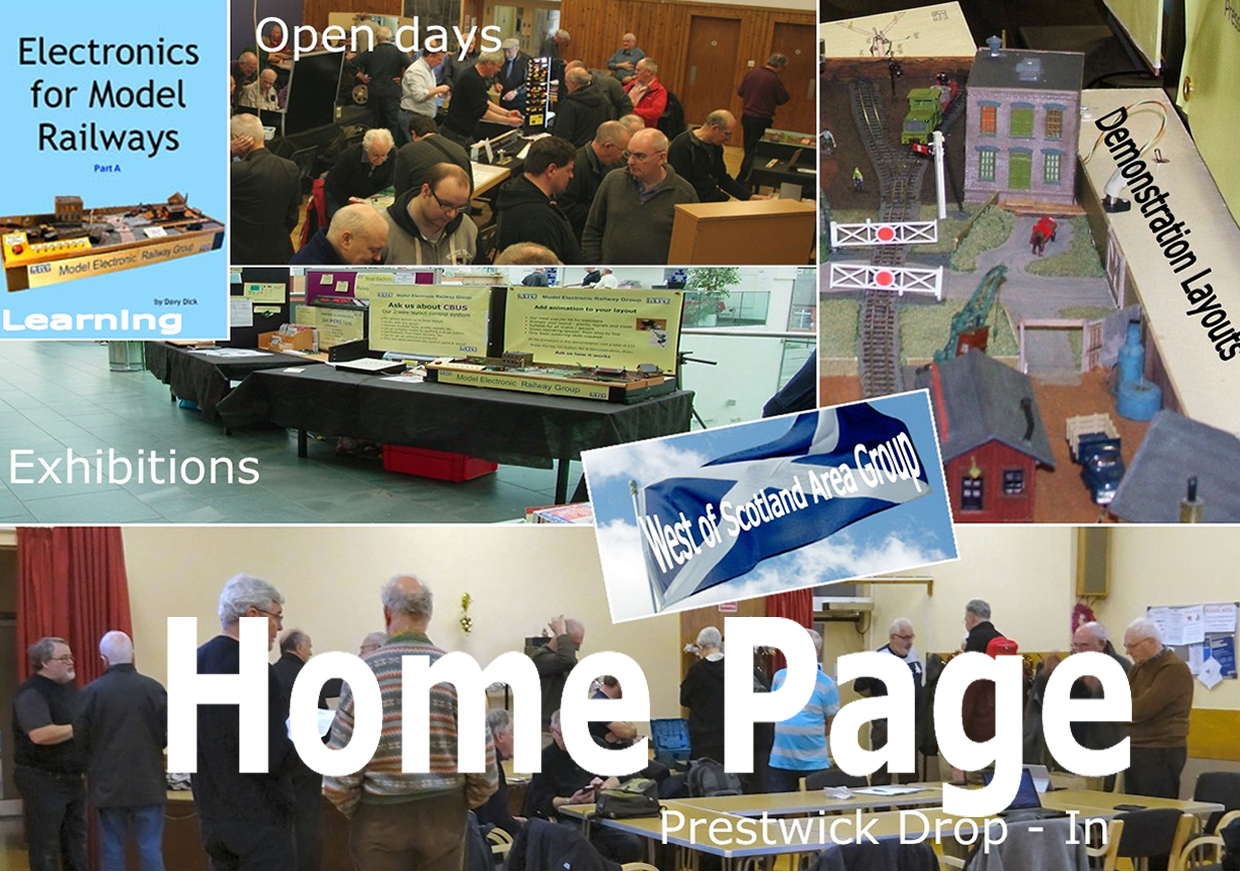
All the various subjects are in one place and can be accessed by clicking on "Search" on the Home Page.
There is a drop down list which has all the subjects you can search for, click on the down arrow to see the subjects available.
If you leave this blank and instead enter a keyword in the box below then anything entered there will be searched for
after clicking on search.
You can combine both subject and keyword.
Search results are displayed in groups of 10 with first 10, next 10 and last records displayed as links in the browse page.

If viewing a PDF document leave the mouse arrow over it to scroll through it. Move the mouse away from the document
to scroll to the next item.
To Print/Download a PDF file click on the > arrow located at the top right of the document and select from dropdown.

Results of Searching are alphabetical first with the Subject and then its name followed by any keyword.
You can enter a part of what you are searching for, i.e tra instead of train. Putting in a or e will return most of the records !
From the Home page or on this page click on the Contact us heading to leave us a message about the website itself or any
of the Subjects covered. You will be asked to tick a box to continue.